
SH308 Night Vision Monocular
Setup guide, troubleshooting, FAQs — everything you need to get the most out of your SH308.
Model: SH308
Quick Start Guide
Follow these steps to set up and start using your SH308 Night Vision Monocular.
Charge the Battery
Before first use, fully charge the device using the included USB Type-C cable. A full charge takes approximately 3–4 hours. The indicator light will show charging status.
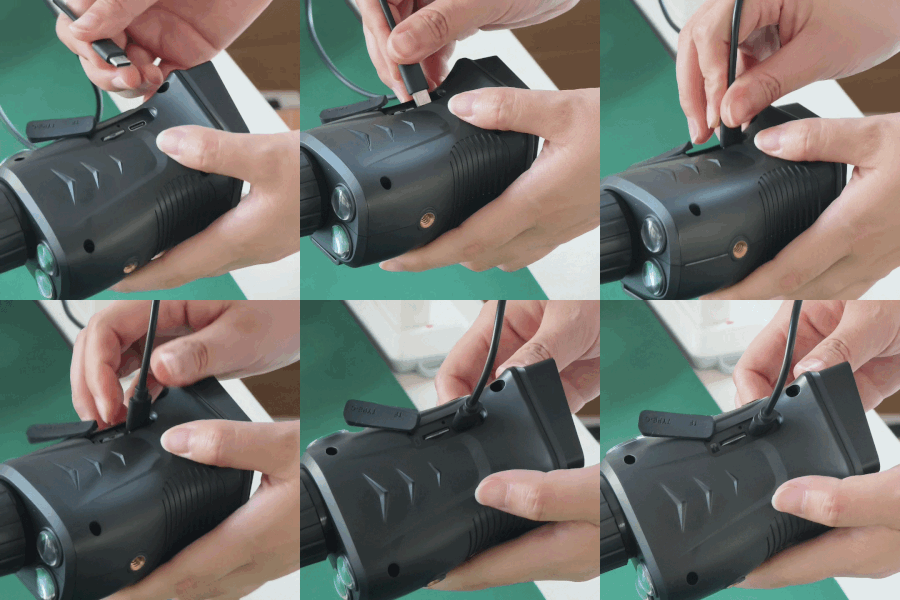
Insert the Memory Card
The 8GB TF (MicroSD) card is included in the box. Insert it into the TF card slot on the side of the device. The SH308 supports cards up to 128GB for extended recording.
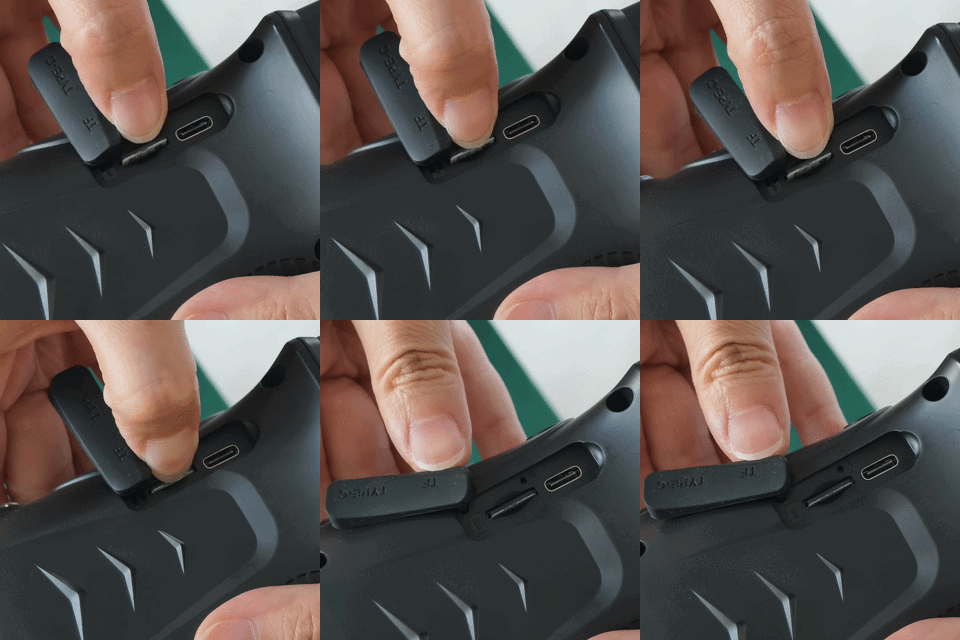
Power On & Adjust Focus
Press and hold the Power button to turn on the device. Rotate the manual focus ring on the lens barrel until the image appears sharp and clear. The focus ring allows precise adjustment for different distances.
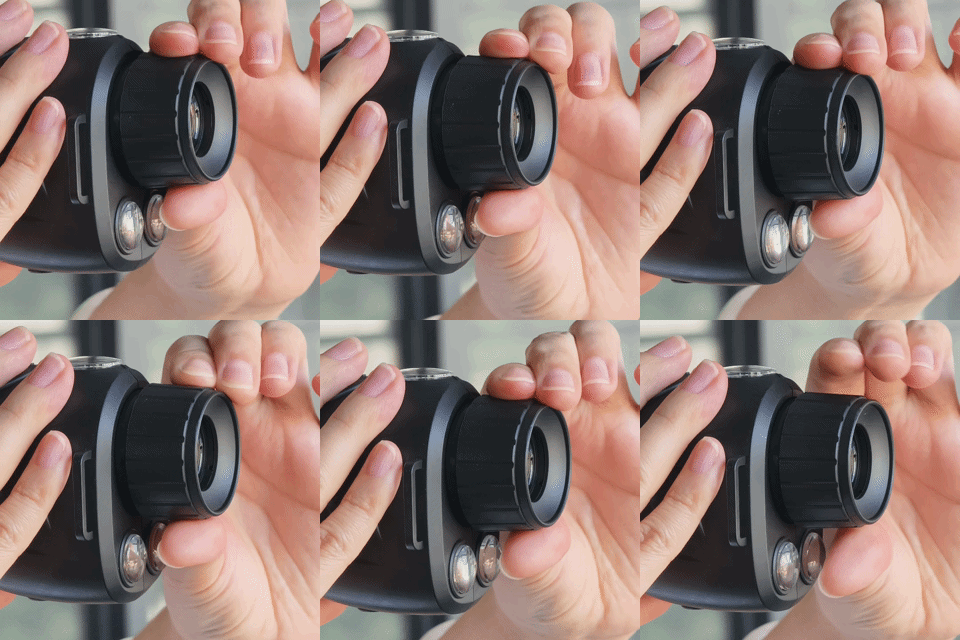
Choose Your Night Vision Mode
Press the Night Vision button to toggle between modes. Use Dual IR mode for pitch-black environments (black & white image). Use Starlight Full-Color mode when there’s some ambient light such as dusk, moonlight, or street lights.
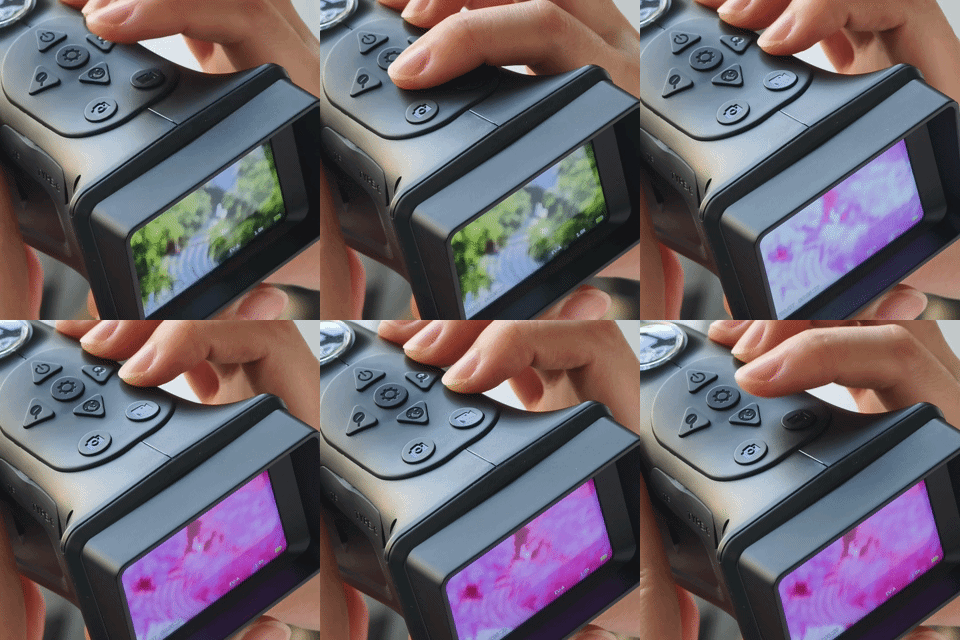
Capture Photos & Videos
Press the Photo button to take a still image. Press the Video button to start/stop recording. All files are saved to the TF card and can be transferred to your computer via the USB Type-C connection.
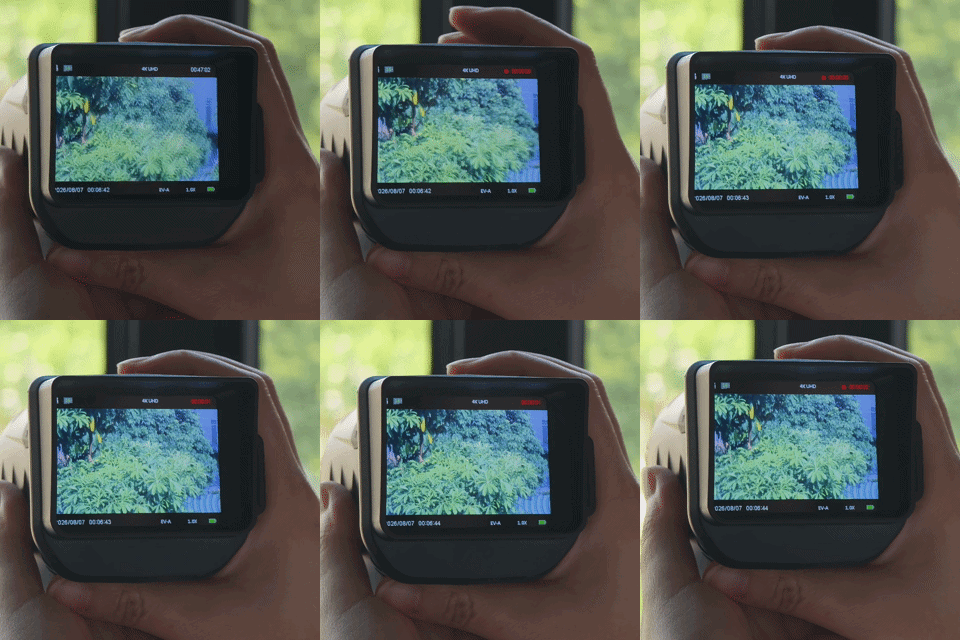
Specifications
Complete technical specifications for the SH308 Night Vision Monocular.
| Model | SH308 |
| Display | 2.8 inch IPS LCD |
| Night Vision Range | Up to 40m (130ft) in total darkness |
| IR Illuminator | Dual IR LEDs (adjustable) |
| Night Vision Modes | Dual IR B&W / Starlight Full-Color |
| Lens | Starlight-grade, manual focus |
| Photo Resolution | Up to 40MP (interpolated) |
| Video Resolution | 1920×1080 Full HD |
| Storage | MicroSD / TF card (8GB included, supports up to 128GB) |
| Battery | 3000mAh rechargeable lithium |
| Working Time | Up to 8 hours (IR off); ~5 hours (IR on) |
| Charging | USB Type-C |
| Dimensions | 140 × 80 × 80 mm (5.5 × 3.1 × 3.1 inch) |
| Weight | Approx. 280g (without battery) |
What’s in the Box
Verify that all items are present. If anything is missing, please contact our support team.
Troubleshooting
Common issues and quick fixes. If your problem isn’t listed here, please contact our support team.
Device won’t turn on
Make sure the battery is charged. Connect the USB Type-C cable and charge for at least 30 minutes before trying again. If the device still doesn’t power on, try a different USB cable or power adapter.
Image is blurry
Rotate the manual focus ring on the lens barrel to adjust focus. Make sure the lens is clean — use the included cleaning cloth. For best results, focus on a distant object in daylight first.
IR night vision not working
Press the Night Vision button to activate IR mode. Ensure you’re in a dark environment — IR is most effective in low or no light. Check that the IR LEDs (the two small red dots below the lens) are glowing faintly red when active.
Memory card not detected
Power off the device, remove the TF card, and reinsert it firmly. Make sure the card is oriented correctly (label facing up). Try formatting the card in the device menu or on a computer (FAT32 format).
Battery drains quickly
Using IR illuminators significantly reduces battery life. For longer runtime, use Starlight mode when there’s any ambient light. Lower the screen brightness and turn off the device when not in use.
Can’t transfer files to computer
Connect the device via USB Type-C while powered on. The device should appear as a removable drive. If not, try removing the TF card and using a card reader instead. The device uses standard mass storage mode.
Frequently Asked Questions
Find answers to the most commonly asked questions about the SH308.
Yes! The SH308 features dual IR (infrared) illuminators that allow you to see clearly in total darkness up to 40 meters (130 feet). Simply press the Night Vision button to activate IR mode. The IR LEDs are invisible to the naked eye and won’t disturb wildlife.
Starlight Full-Color mode uses a high-sensitivity sensor to capture full-color images in low-light conditions — such as dusk, dawn, or moonlit nights — without needing the IR illuminators. This mode shows real colors instead of black and white, making it easier to identify animals, objects, and surroundings.
The 3000mAh rechargeable battery provides up to 8 hours of continuous use with IR off (Starlight mode). With IR illuminators active, expect approximately 4–5 hours of runtime. Actual battery life varies based on screen brightness, usage patterns, and temperature.
The SH308 comes with an 8GB MicroSD (TF) card and supports cards up to 128GB. For best compatibility, use a Class 10 or UHS-I card formatted in FAT32. An 8GB card can store approximately 2,000 photos or about 1 hour of 1080p video.
Yes, the SH308 can be used in daylight as a regular monocular/camera. However, avoid pointing the lens directly at the sun or other intense light sources, as this may damage the sensor. For daytime use, keep the IR illuminators turned off.
The SH308 is designed for outdoor use and can handle light rain and splashes. However, it is not fully waterproof and should not be submerged in water. For best protection, avoid heavy rain and store the device in a dry place when not in use.
There are two ways: (1) Connect the SH308 to your computer using the USB Type-C cable — the device will appear as a removable drive. (2) Remove the TF card and use a card reader. Files are stored in standard DCIM folder structure and can be opened with any photo or video viewer.
In total darkness with IR illuminators on, the SH308 can detect objects up to 40 meters (approximately 130 feet). Recognition range (identifying specific details) is typically 15–25 meters. In Starlight mode with some ambient light, the effective range depends on available light levels.
Still Need Help?
For any questions, issues, or warranty claims regarding your SH308, please reach out to our after-sales support team directly.
We typically respond within 24 hours on business days.